

The fastest route, worked out for you.
Pick the day’s stops. We put them in the best order and draw the run on the map.

Every arrival time, before anyone leaves.
Real travel data plus your time on site — the plan adds up before the van moves.

The whole run, on your driver’s phone.
Stops in order, one tap to navigate, progress as it happens. Installs like an app.
A planned day, in four steps
No spreadsheets. No pins to drag. No arrival times worked out by hand.
- 1
Pick the jobs
Tick the stops that belong together. Two or more opens route planning.
- 2
Optimise the order
Quickest, shortest or most efficient — the stops resequence themselves.
- 3
Assign the day
Set time on site per stop, then pick the worker and the date.
- 4
Send to the schedule
Start times are calculated, and the run lands on the worker’s calendar.
Tuesday · Route A
6 stops · 41 mi · 3h 20m
First stop
08:15
Drive
1h 05m
Back by
16:40
Everything you need to run the day
Planning, scheduling and the driver’s view of the road — one system instead of three.
Optimised multi-stop routes
The shortest, quickest or most balanced order — from Google Maps, not a guess.
Arrival times that add up
Travel time plus your on-site duration. Realistic before anyone sets off.
The whole run on a map
Origin, every stop, the route line, total distance and drive time in one view.
Built for the driver
Today’s route on their phone, stop by stop, with what’s next always visible.
Route change protection
Editing a routed job warns you first, so one change can’t break the day.
One shared schedule
Routed runs and hand-booked work on the same calendar, per worker.
Customers and jobs together
Addresses, contacts and history feed straight into planning. No re-keying.
Everyone stays informed
Push and in-app alerts when a route is assigned or changed — even when closed.
Stop dragging pins around a map
Select the jobs, choose an optimisation mode, and see the resequenced run with every leg’s distance and drive time.
- Quickest, shortest or most efficient
- Round trip or finish at the last stop
- Total miles and hours for the day

One route, one worker, one day
Time on site is set per stop, so start times fall out of the plan automatically and land on the right calendar.
- Per-stop durations
- Assign a worker and a date
- Reschedule the whole route in one move

The driver just follows the list
Workers open the day on their phone, work down the stops in order, and everyone sees progress as it happens.
- Installs like an app
- Stops in sequence, one at a time
- Push alerts on changes

Built for the way you work
If your team drives between stops all day, we shorten the drive and tidy the plan.
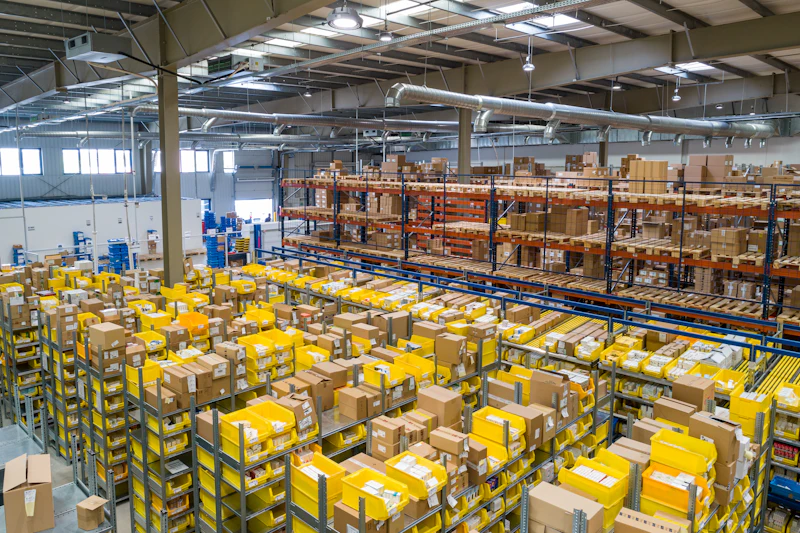
Delivery & courier
- Many drops, one run
- Best order picked for you
- Ticked off in sequence

Field service & trades
- Group the day’s callouts
- Honest arrival windows
- Fewer wasted miles

Installations & collections
- Time on site per stop
- Move a whole route at once

Multi-team operations
- A route per worker, per day
- Roles and permissions
Questions, answered
Ready to stop planning routes by hand?
Start your 14-day free trial today — no hidden charges, cancel anytime.
Get in touch
Questions about Route Planner, pricing or a rollout for your team? Send us a message and we’ll reply by email.